This image will be the starting frame of your video
0 / 20000
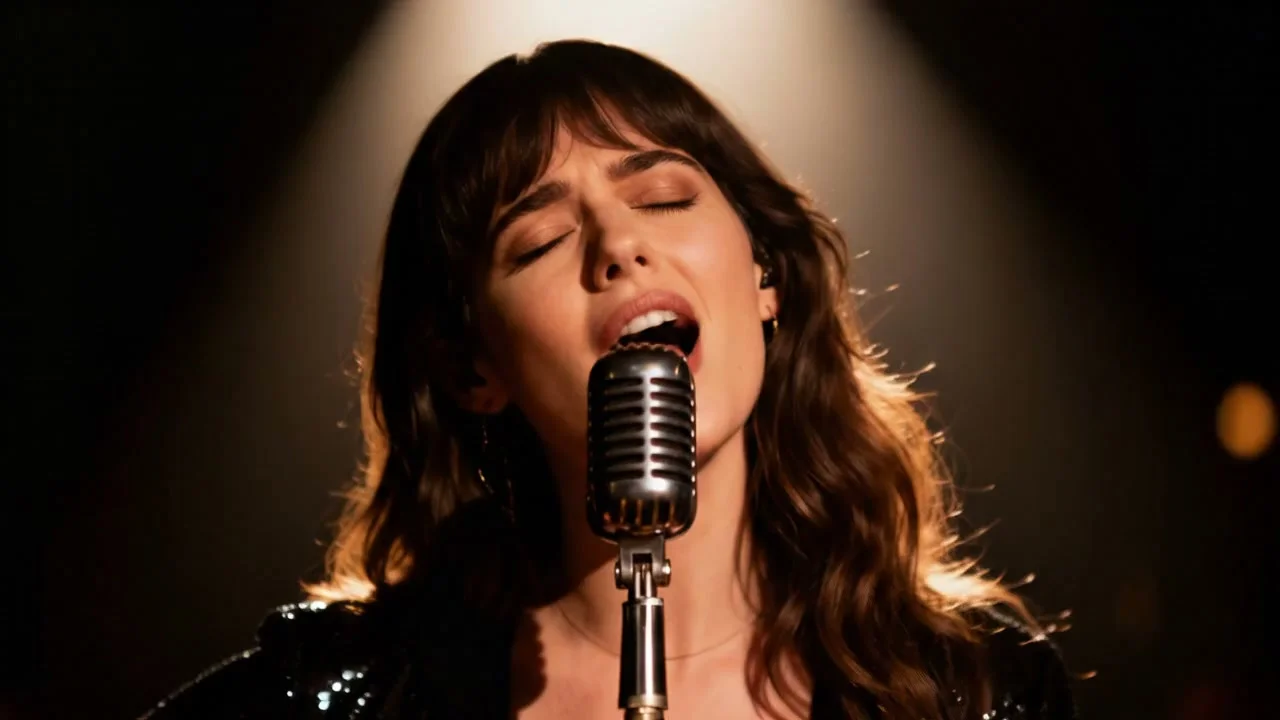
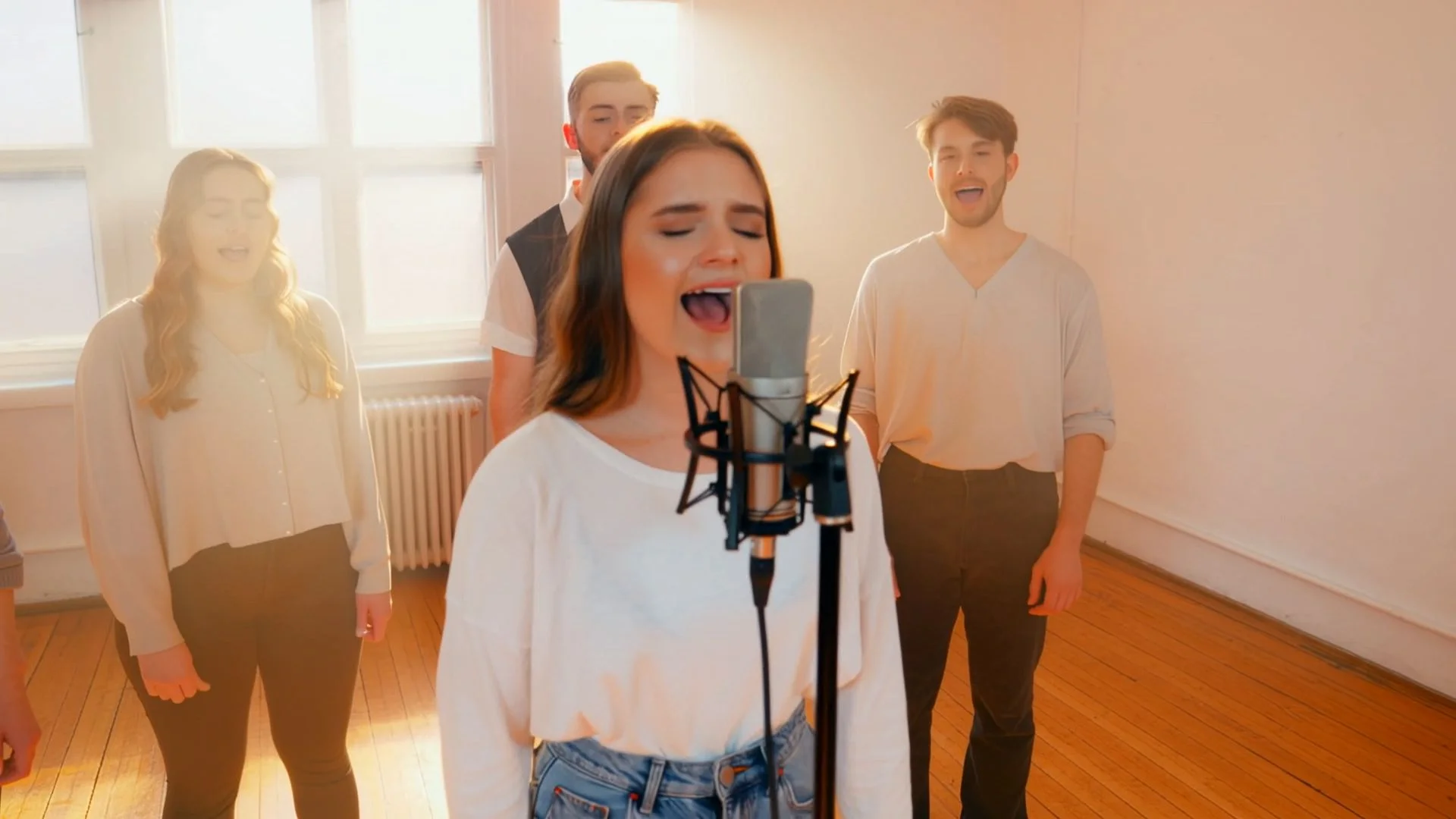

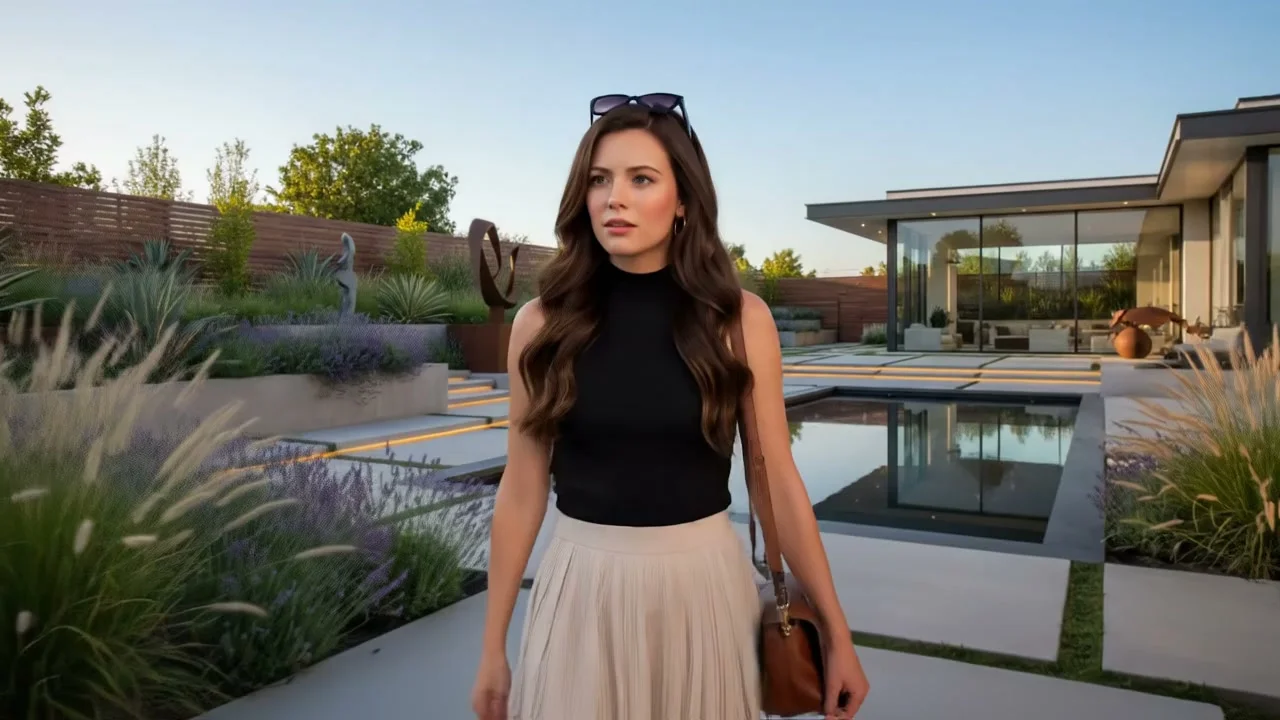
Seedance 2.0 Video Generator — Free Online on Bytedance Seedance
Bytedance Seedance gives you direct access to Seedance 2.0 — ByteDance's multimodal video model ranked #1 on Artificial Analysis for image-to-video with audio. Describe a scene, upload reference images or video clips, and Seedance 2.0 generates cinematic video with native audio in a single pass. Available to creators worldwide with no regional restrictions — no download, no GPU, no video editing software required.
Seedance 2.0 by ByteDance — Available Worldwide on Bytedance Seedance
Seedance 2.0 holds the top Elo rating on the Artificial Analysis Video Arena for image-to-video with audio — the primary independent benchmark using blind human-preference evaluation. Officially, Seedance 2.0 is available through ByteDance's Dreamina platform with access limited by region. Bytedance Seedance removes that barrier: generate Seedance 2.0 video directly in your browser from any country, without a VPN or a Chinese account. The same generation engine — multimodal reference input, native audio co-generation, multi-shot sequencing — available to international creators for the first time.
Seedance 2.0 and the Full Video Lineup on Bytedance Seedance
Seedance 2.0 leads for reference-guided generation and image-to-video with audio. Run the same prompt on Kling 3.0, Veo 3.1, Happy Horse, or Wan 2.6 and compare results before downloading.
Happy Horse
Happy Horse AI
#1 Text-to-Video and Image-to-Video Overall
Happy Horse currently leads the Artificial Analysis Video Arena in both text-to-video and image-to-video categories overall — the top Elo rating for generation quality in blind human-preference evaluation. It produces audio and video in a unified pass with native multilingual lip sync. For any use case where overall output quality is the deciding factor, Happy Horse is the benchmark engine to try first.
- #1 overall on Artificial Analysis leaderboard
- Unified audio-video generation
- Native multilingual lip sync
- Cinema-grade visual output
Kling 3.0
Kuaishou
Multi-Shot Sequences — Up to 15 Seconds
Kling 3.0 is the engine for high-volume production workflows. It supports multi-shot scene chaining — generating separate shots with consistent characters and environments across cuts. Motion Control lets you transfer full-body action from a reference video onto any character. Supports standard, pro, and 4K modes with audio co-generated in the same pass.
- Multi-shot up to 15s with scene chaining
- Motion Control — reference-based animation
- Native audio co-generation
- Standard, Pro, and 4K modes
Veo 3.1
Google DeepMind
Cinema-Grade 8-Second Clips — Spatial Audio
Veo 3.1 is the engine for cinematic scene composition and broadcast-quality audio. It produces 8-second clips with built-in spatial stereo audio — sound sources move through the stereo field as subjects move on screen. Environmental realism and wide-lens compositions are where Veo 3.1 consistently outperforms other engines. Use it for brand films and documentary-style content where audio quality defines the deliverable.
- Built-in spatial stereo audio
- 8-second cinematic clips
- Best-in-class environmental realism
- Narration synced to visual action
Seedance 2.0
ByteDance
#1 Image-to-Video with Audio — Multimodal Reference System
Seedance 2.0's core advantage is its reference input system: upload up to nine images to anchor appearance, three video clips to guide camera movement and action, and three audio clips to set sound atmosphere — all processed in a single generation pass alongside your text prompt. The Dual-Branch Diffusion Transformer generates video and audio simultaneously, producing synchronized dialogue, ambient sound, and music without a separate audio step. Ranked #1 on Artificial Analysis for image-to-video with audio.
- #1 on Artificial Analysis — I2V with Audio
- 9 reference images + 3 video + 3 audio clips
- Native audio-video joint generation
- Multi-shot scene sequencing
Wan 2.6
Wan AI
Character Consistency Across Scene Cuts
Wan 2.6 maintains consistent character appearance across multiple sequential clips — the same face, clothing, and visual identity carries through every shot without the identity drift that appears when re-generating characters with other engines. Audio locks continuously across all shots: dialogue, ambient, and foley layers do not break at edit points. The right engine for multi-scene narratives and serialized content.
- Consistent character identity across cuts
- Continuous audio across multi-shot sequences
- Image-to-video with style consistency
- 5–15s output
How Seedance 2.0 Generates Audio and Video Together
Most AI video models produce silent video first, then layer audio on top in a separate step. Seedance 2.0 works differently: its Dual-Branch Diffusion Transformer architecture processes audio and video as parallel streams from the same prompt. Dialogue, environmental ambient sound, and background music emerge from the same generation step as the visual frames — with timing anchored to the motion rather than synced after the fact. The result is tighter alignment between what is seen and what is heard, without manual audio editing or offset correction.
What Creators Use Seedance 2.0 For on Bytedance Seedance
From social content to brand campaigns — six use cases where Seedance 2.0's reference system and native audio deliver results other engines cannot match.
Short-Form Social Content
Vertical 9:16 with native audio — ready for TikTok and Reels
Generate 9:16 vertical video with audio already embedded for direct upload to TikTok, Instagram Reels, or YouTube Shorts. Upload a reference image to anchor your subject's appearance, write the scene description, and Seedance 2.0 handles motion, dialogue, and background audio in one pass. No video editor, no audio sync step, no export workflow.
Brand Campaigns with Reference Control
Lock brand visuals across every video with reference image anchoring
Upload product photos, brand assets, or visual identity references as @Image inputs to anchor Seedance 2.0's output to your specific visual language. Generate product reveal videos, lifestyle campaign clips, or brand story sequences where the visual identity stays consistent across every generation — without rebuilding the shot from scratch each time.
Animate Reference Images into Motion
Turn any still image into a fluid scene with accurate body motion
Upload a character illustration, product photo, or concept art and Seedance 2.0 animates it with physically plausible motion — cloth reacting to movement, weight transferring naturally, environmental elements responding to action. Supply a reference video clip to guide the specific motion style: choreography, athletic movement, or camera behavior can all be templated from a reference.
Pre-Production and Storyboard Visualization
Turn scene descriptions into visual reference in minutes, not days
Translate script descriptions into visual reference clips for director presentations, client approvals, and production planning. Upload location reference photos as @Image inputs, supply a camera movement reference as @Video, and describe the action — Seedance 2.0 generates a visualization that communicates framing, timing, and atmosphere without a full production crew.
Educational and Training Video at Scale
Describe the concept and get a watchable explainer in one prompt
Generate instructional video sequences from text descriptions of concepts, processes, or procedures. Supply relevant visual references to anchor the learning material to specific equipment, environments, or scenarios. Audio narration and sound cues generate alongside the visual, producing a complete instructional clip without recording, editing, or animation software.
Game Cinematic and Concept Visualization
From asset references to cinematic sequences — without a render farm
Upload character concept art, environment designs, or in-game screenshots as reference inputs. Describe the scene narrative, camera angles, and action beats. Seedance 2.0 generates cinematic sequences that visualize gameplay moments, story beats, and trailer concepts with production-quality motion and sound — usable for pitch decks, promotional material, and development reference.
How to Use Seedance 2.0 on Bytedance Seedance
Seedance 2.0 accepts text, reference images, video clips, and audio — all from one interface.
Write your prompt and upload reference files
Describe your scene in plain language: subject, action, setting, camera movement, and audio intent. For Seedance 2.0's reference mode, upload up to nine images to anchor appearance, up to three video clips to guide camera movement or action style, and up to three audio clips for sound atmosphere. Text-only prompts also work — reference files are optional, not required.
Select Seedance 2.0 or compare engines
Choose Seedance 2.0 for reference-guided generation and native audio output. Or run the same prompt on Happy Horse for overall quality benchmarking, Kling 3.0 for multi-shot sequences, Veo 3.1 for spatial audio, or Wan 2.6 for character consistency across cuts. All engines are available from the same interface — compare results and keep the output that fits your project.
Download and use commercially
Seedance 2.0 generation typically takes several minutes depending on prompt complexity and reference inputs. The output downloads as an MP4 with audio already embedded — watermark-free on paid plans, fully licensed for commercial use including advertising, branded content, film production, and client deliverables.
Seedance 2.0 Prompt Examples — Reference-Led and Text-Only
Effective Seedance 2.0 prompts separate what should come from reference files versus what should come from text. These examples show both approaches.
Vertical Social Content
Fashion brand, 9:16 for TikTok or Instagram Reels
"A model in a white linen dress walks through a sunlit courtyard. Camera follows at shoulder height, slight handheld drift. Light summer breeze, fabric moving naturally. Natural ambient sound — footsteps on stone, birds, distant fountain. 9:16 vertical, 8 seconds."
Product Reveal with Reference Anchor
Upload product photo as @Image1 reference
"@Image1 product rotates slowly on a dark slate surface. Studio lighting from upper left with soft fill. Chrome reflection on the base. Subtle ambient sound — low drone, clean room silence. 16:9, 6 seconds."
Cinematic Scene Visualization
Pre-production storyboard — upload location reference as @Image1
"Wide establishing shot of @Image1 at dusk. Camera slowly pushes in, holding horizon line. One figure visible in the mid-distance, facing away. Wind moving through tall grass. No dialogue. Ambient environmental sound — wind, rustling, distant birds. Cinematic 2.39:1, 10 seconds."
Instructional Sequence with Narration Cue
Process explanation — text-only, no reference needed
"Close-up of hands carefully folding a paper crane, step by step. Camera stays focused on the hands, clean white surface below. Narrator says: "Begin by folding corner to corner, creating a triangle." Calm background music. 16:9, 12 seconds."
Four techniques that consistently improve Seedance 2.0 output:
- • Separate reference and text jobs - Use @Image references for appearance — face, clothing, environment. Use @Video references for motion style and camera behavior. Let text handle narrative and audio description. Mixing all three in text alone produces weaker results.
- • Name audio explicitly - Write audio as direction, not mood. "Narrator says: [text]" or "a car door closes" or "rain on a metal roof" produces accurate audio. "Dramatic atmosphere" or "cinematic sound" produces generic output.
- • Specify camera movement with cinematography terms - "Slow dolly in", "steadicam follow", "rack focus from foreground to background", "static wide" — these terms are understood and followed. Vague direction like "move the camera" produces inconsistent results.
- • End with format and duration - Close every prompt with the target format — "9:16 vertical, 8 seconds" or "16:9 cinematic, 10 seconds". Seedance 2.0 uses this to correctly frame composition and pacing.
Other AI Tools on Bytedance Seedance
Seedance 2.0 Video Generator — Frequently Asked Questions
How to use reference files, write effective prompts, choose between engines, and what to expect from Seedance 2.0 on Bytedance Seedance.
Generate Your First Seedance 2.0 Video — Free on Bytedance Seedance
Upload a reference image or write a scene description. Seedance 2.0 generates cinematic video with native audio — available to international creators worldwide.